
A short menu, mild to strong
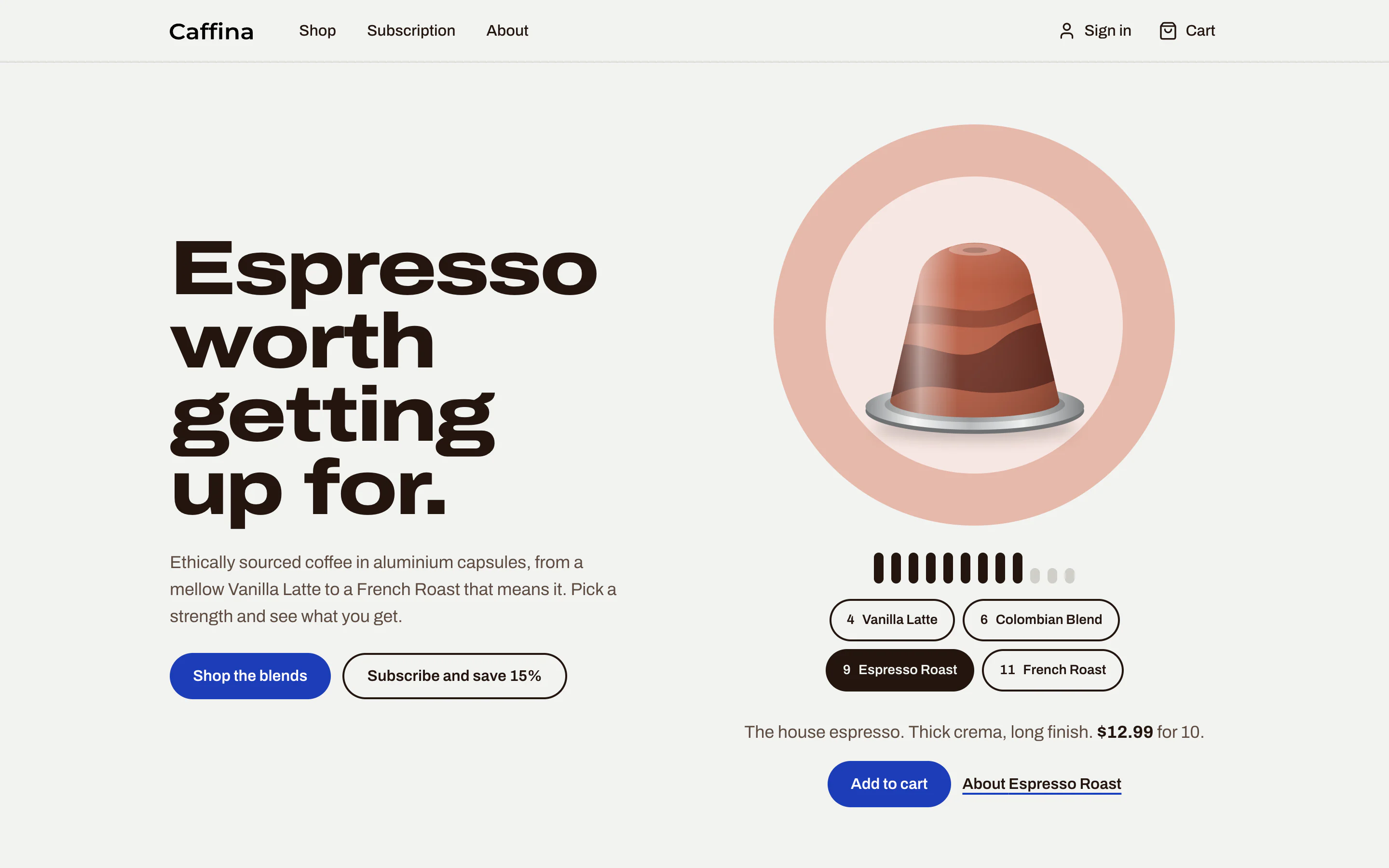
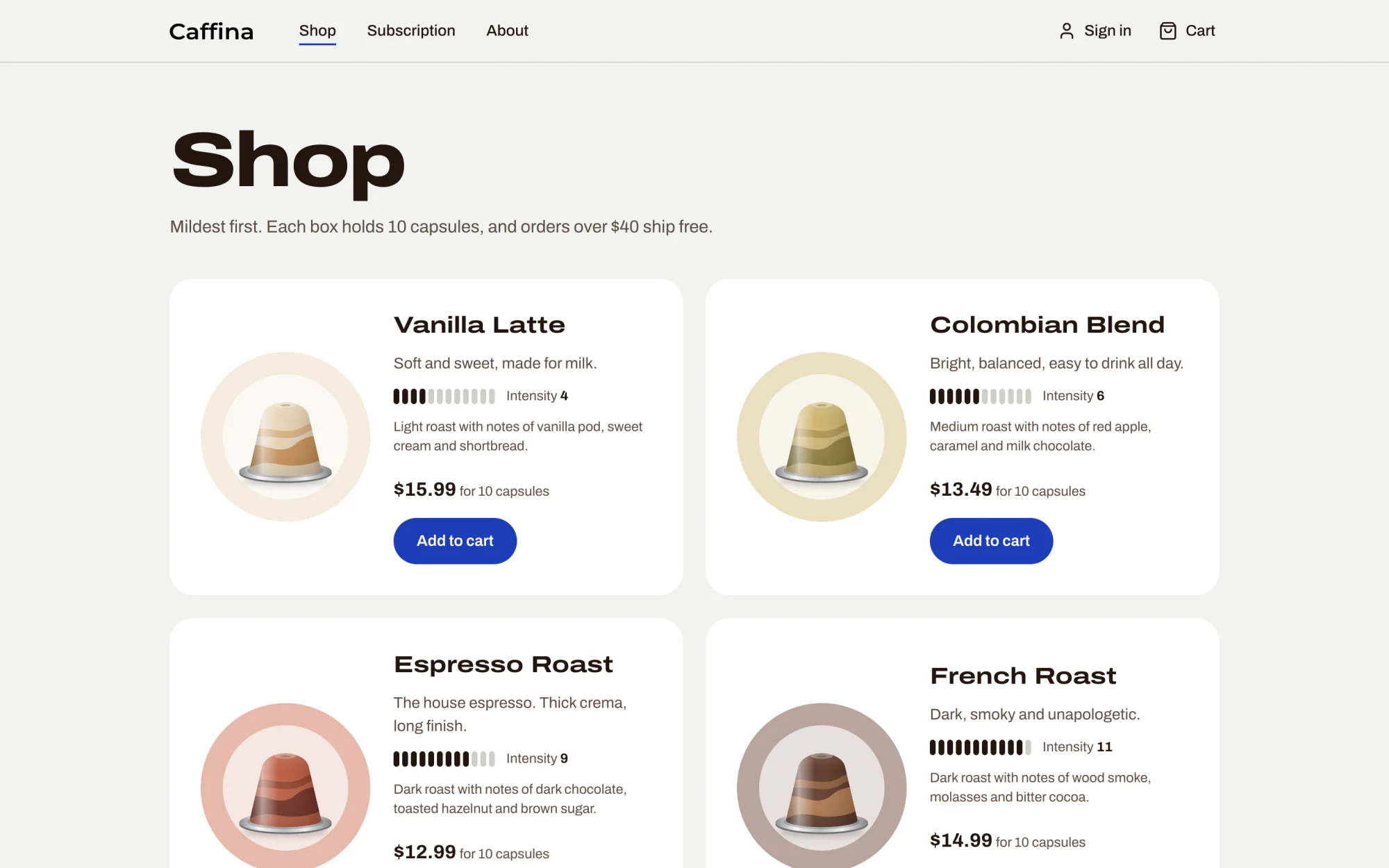
Caffina sells four blends and nothing else. Each one sits on a scale from 1 to 12 that describes body and roast, not caffeine: Vanilla Latte at 4, Colombian Blend at 6, Espresso Roast at 9 and French Roast at 11. The shop lists them mildest first, everywhere.
The blends have no photos. Each one stores two colours, a foil and a swirl, and the shop draws the capsule from them. A blend added in the admin looks right on every page straight away, and is sharp at any size.
Two colours make a capsule
The shop
A home page with the strength picker, a catalogue, a page for each blend and a subscription builder. Paper the colour of aluminium, ink the colour of espresso, and one blue for everything you can press. The warm colour is left to the capsules.
From a blend to the door
Seven screens, from choosing a blend to following the order. Each picture is the real page, with demo content.
-
Choose
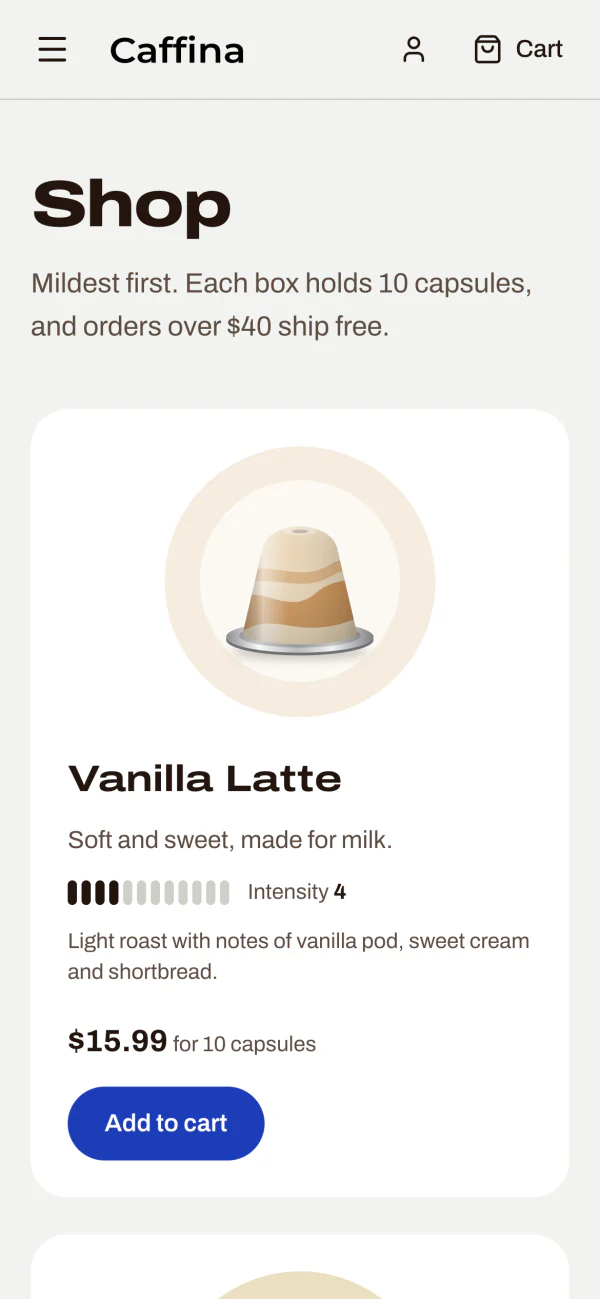
The catalogue shows every blend with its intensity, tasting notes and price. A blend with no boxes left is marked sold out and cannot be bought.
-
Read
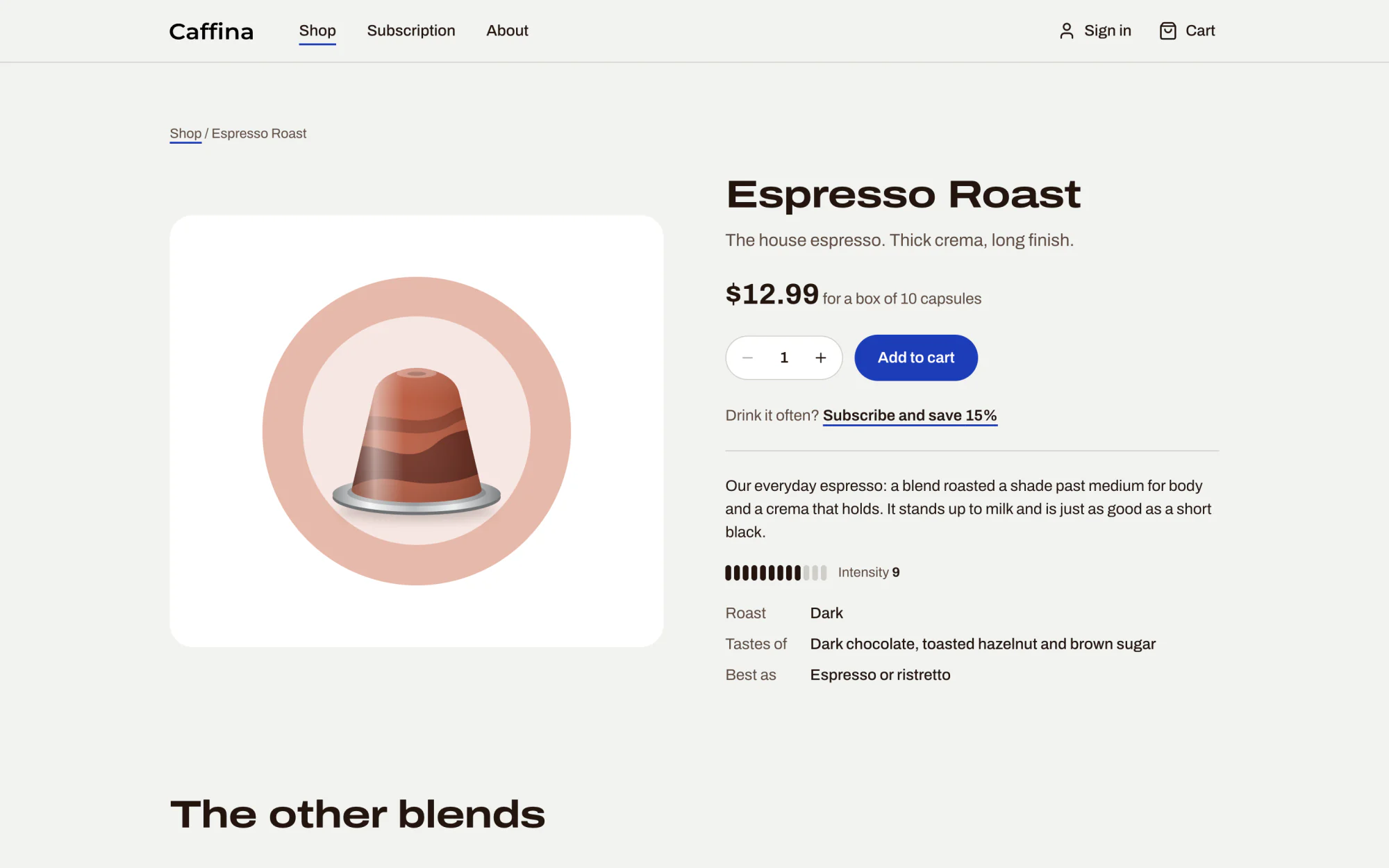
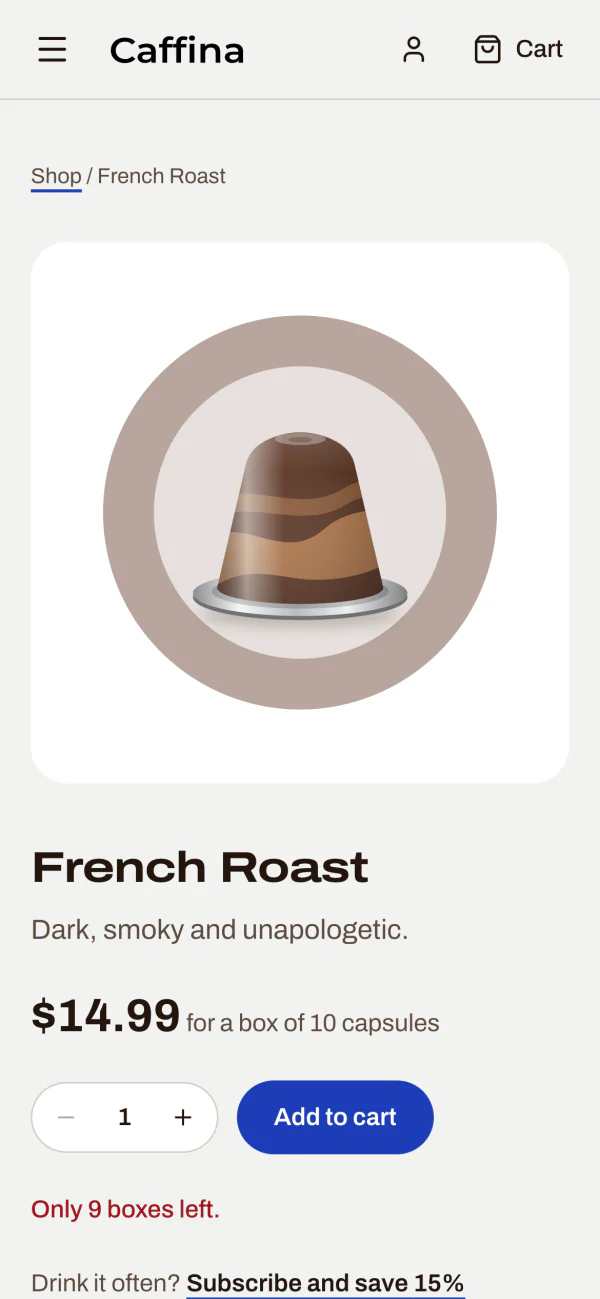
Each blend has its own page: the roast, what it tastes of, how to serve it, and the other three blends underneath.
-
Fill the cart
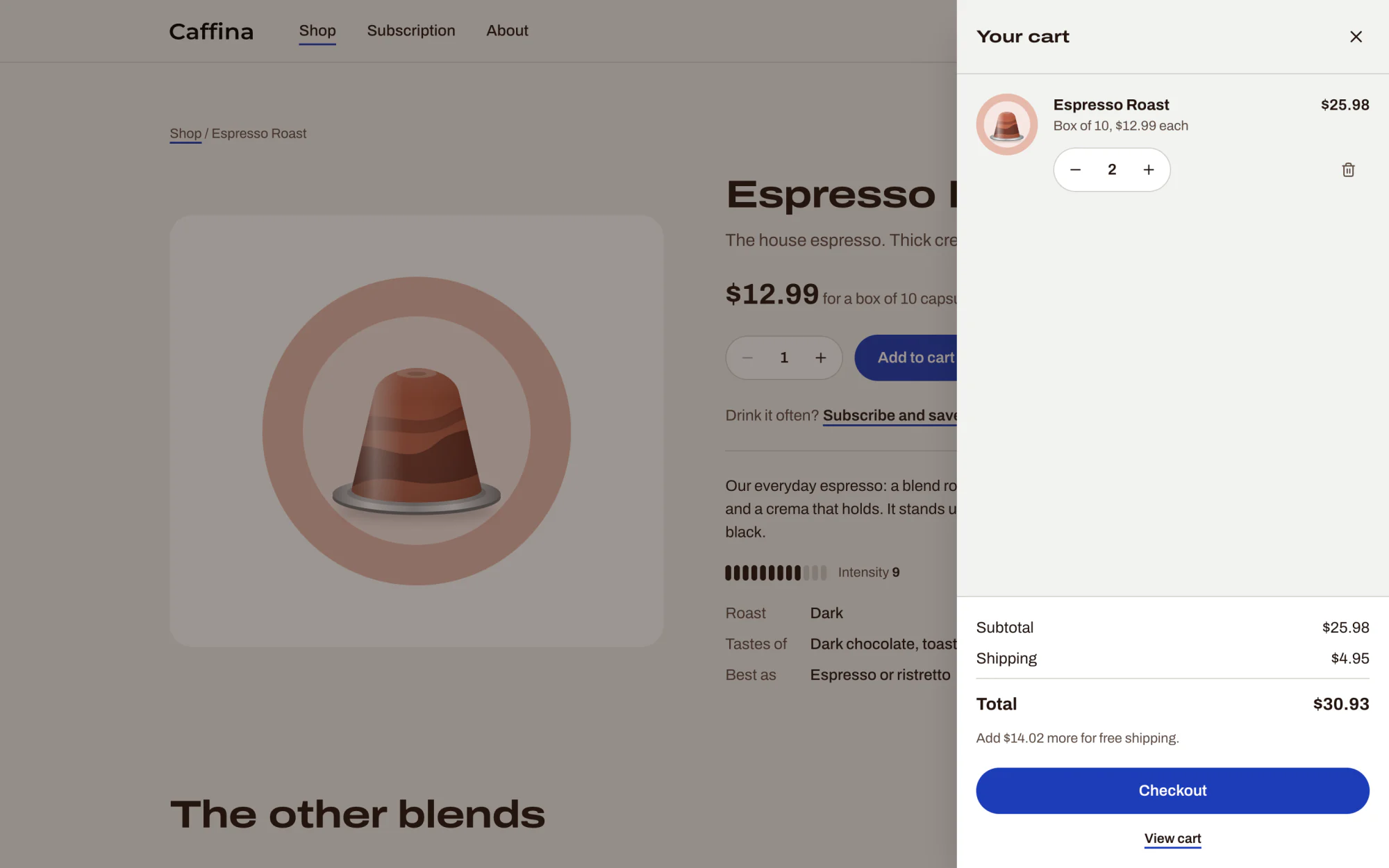
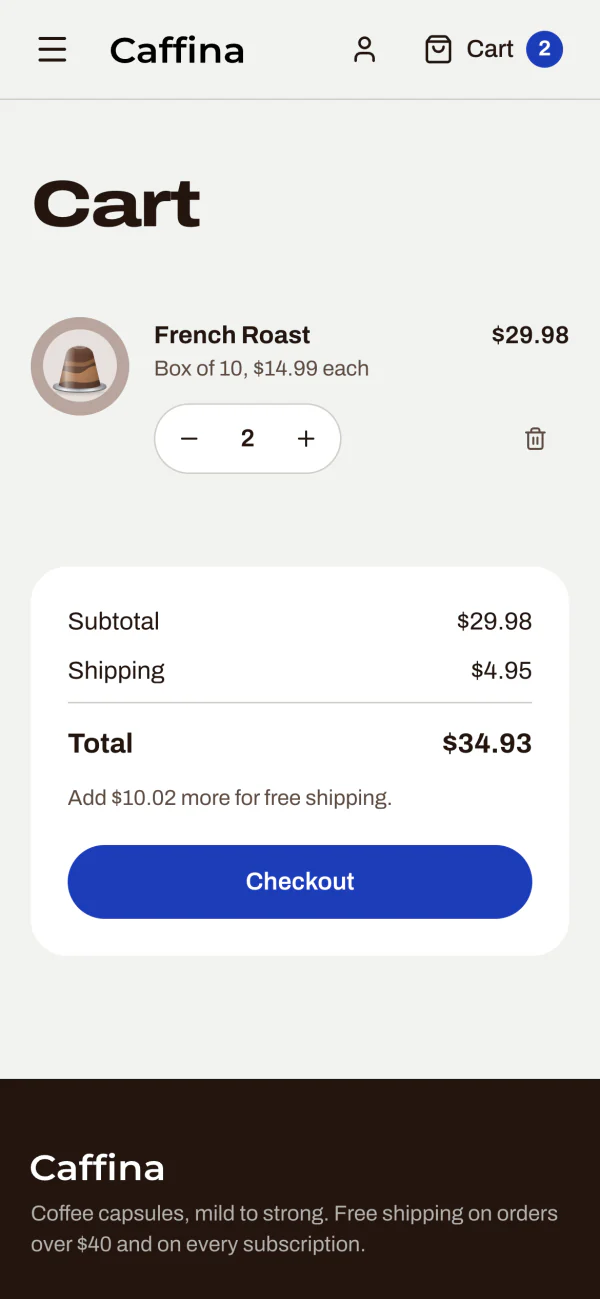
The cart opens from the side and is kept in the browser, so it is still there on the next visit. It says how much more to add for free shipping.
-
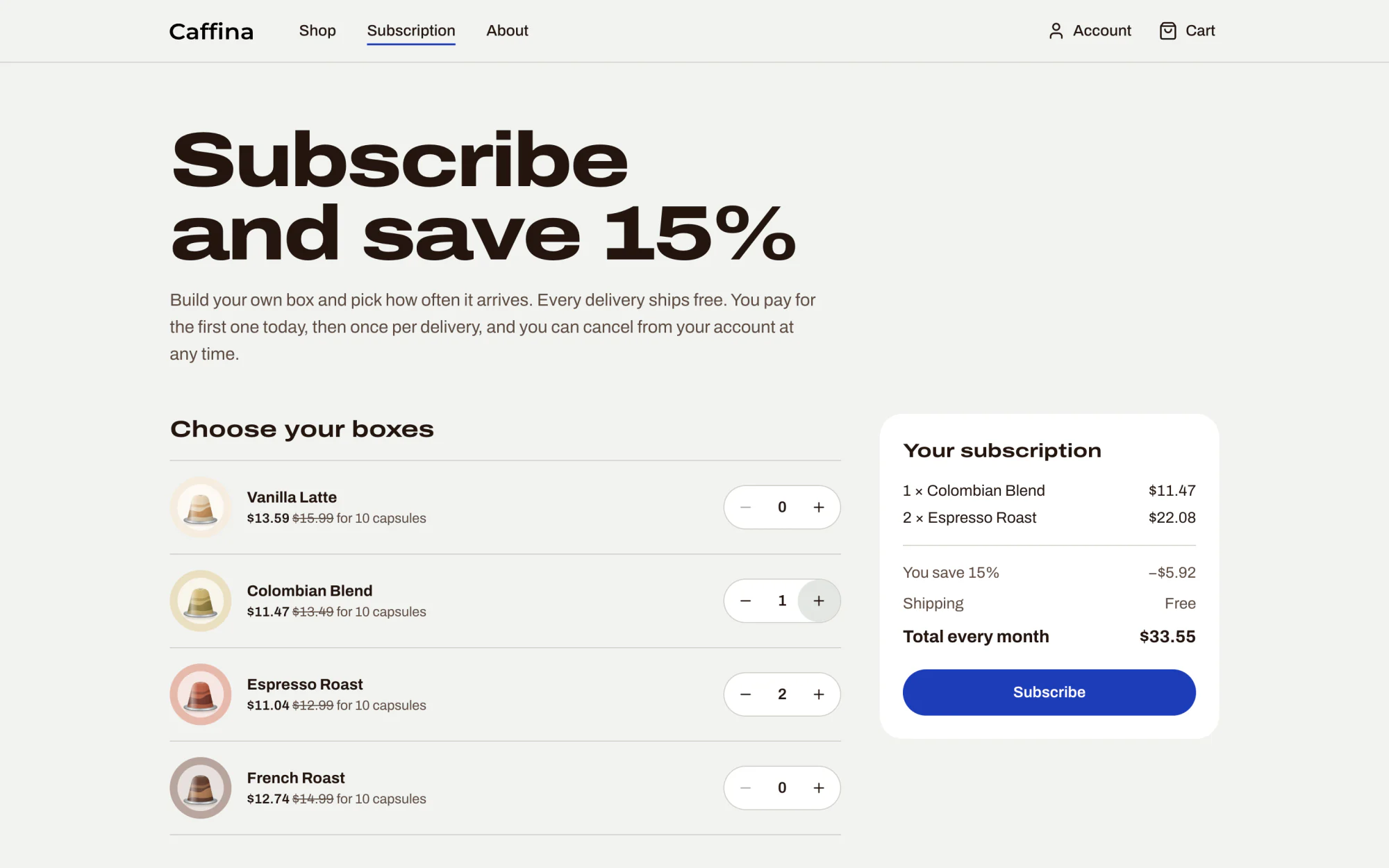
Or subscribe
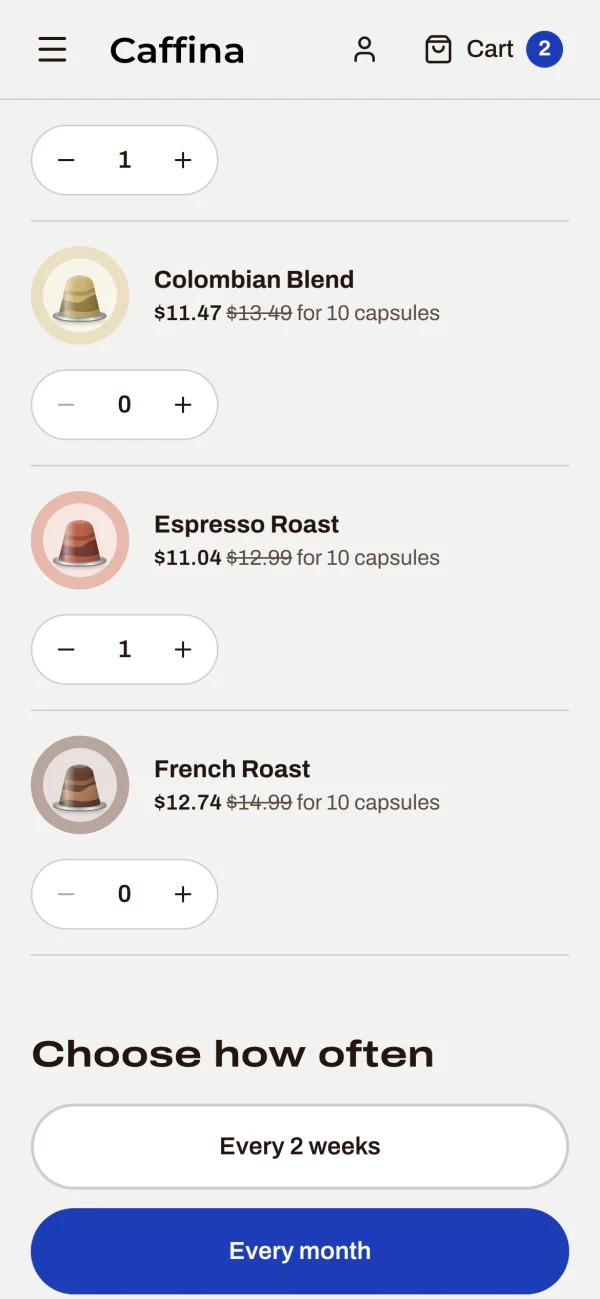
Build a box, choose how often it arrives, and see the price per delivery before signing up. A subscription needs an account, so it can be managed later.
-
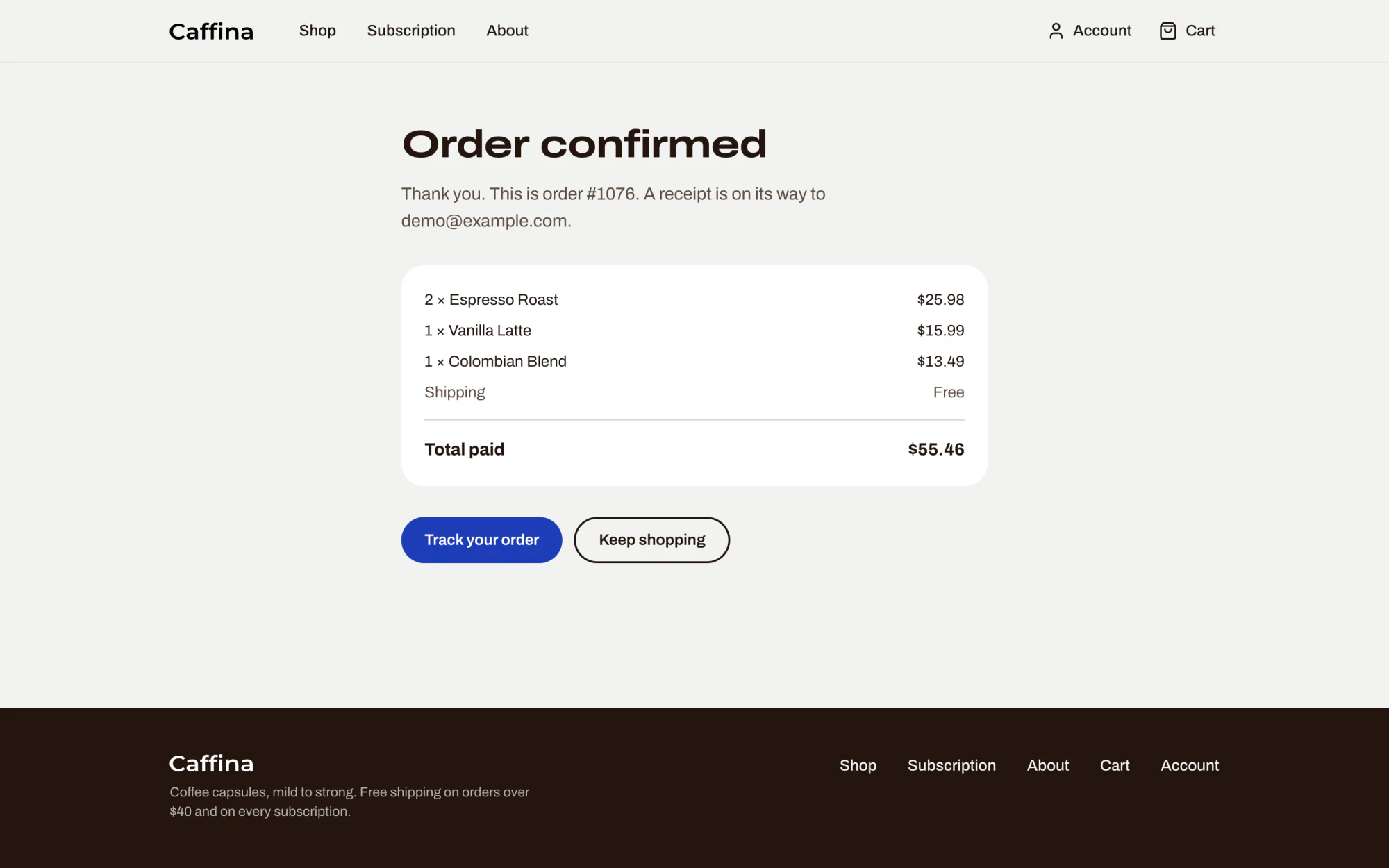
Pay
Payment happens on Stripe's own checkout page. Guests can pay for a single order without an account. The shop then confirms the order and its number.
-
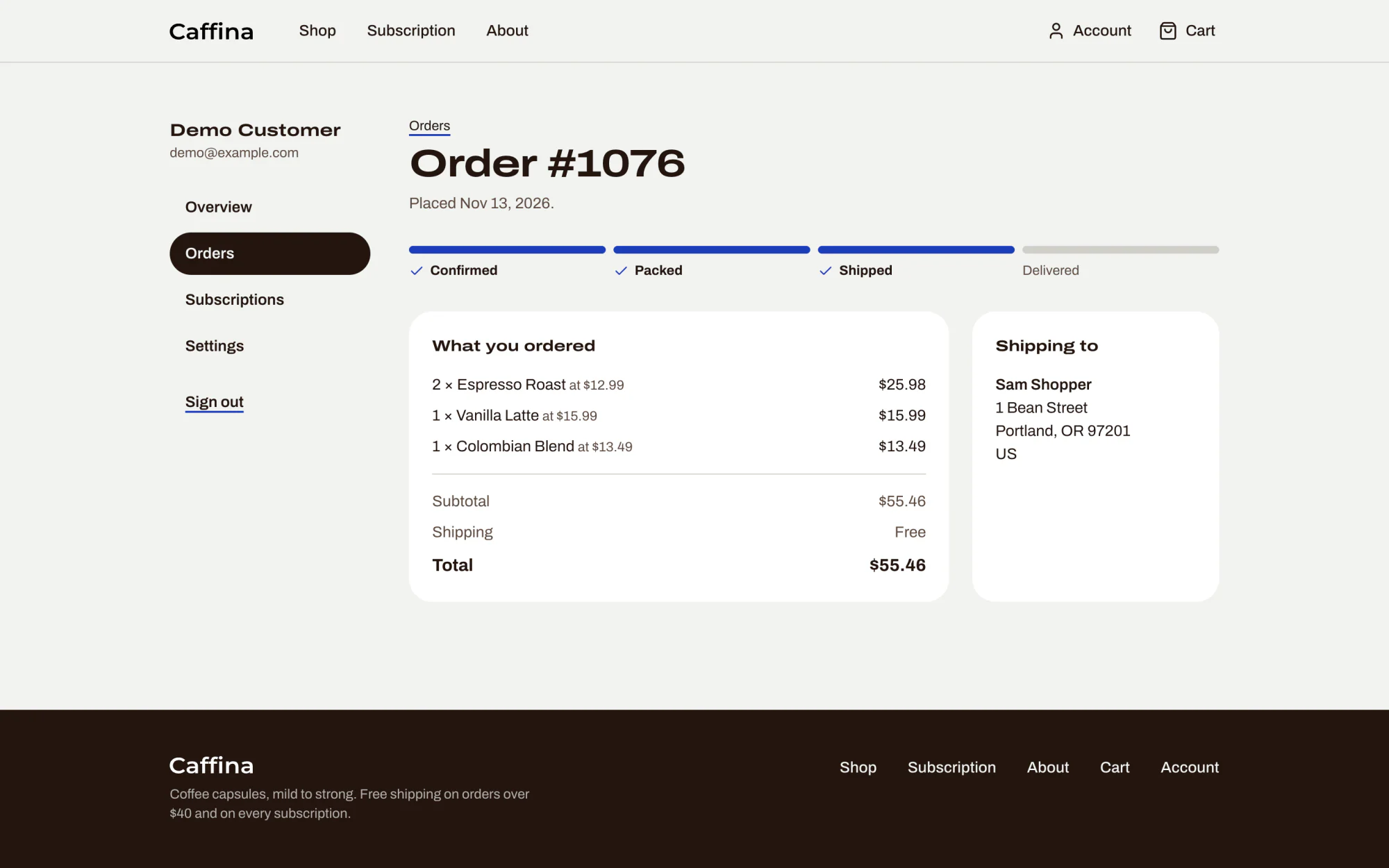
Follow the order
In the account, each order shows how far it has got: confirmed, packed, shipped, delivered.
-
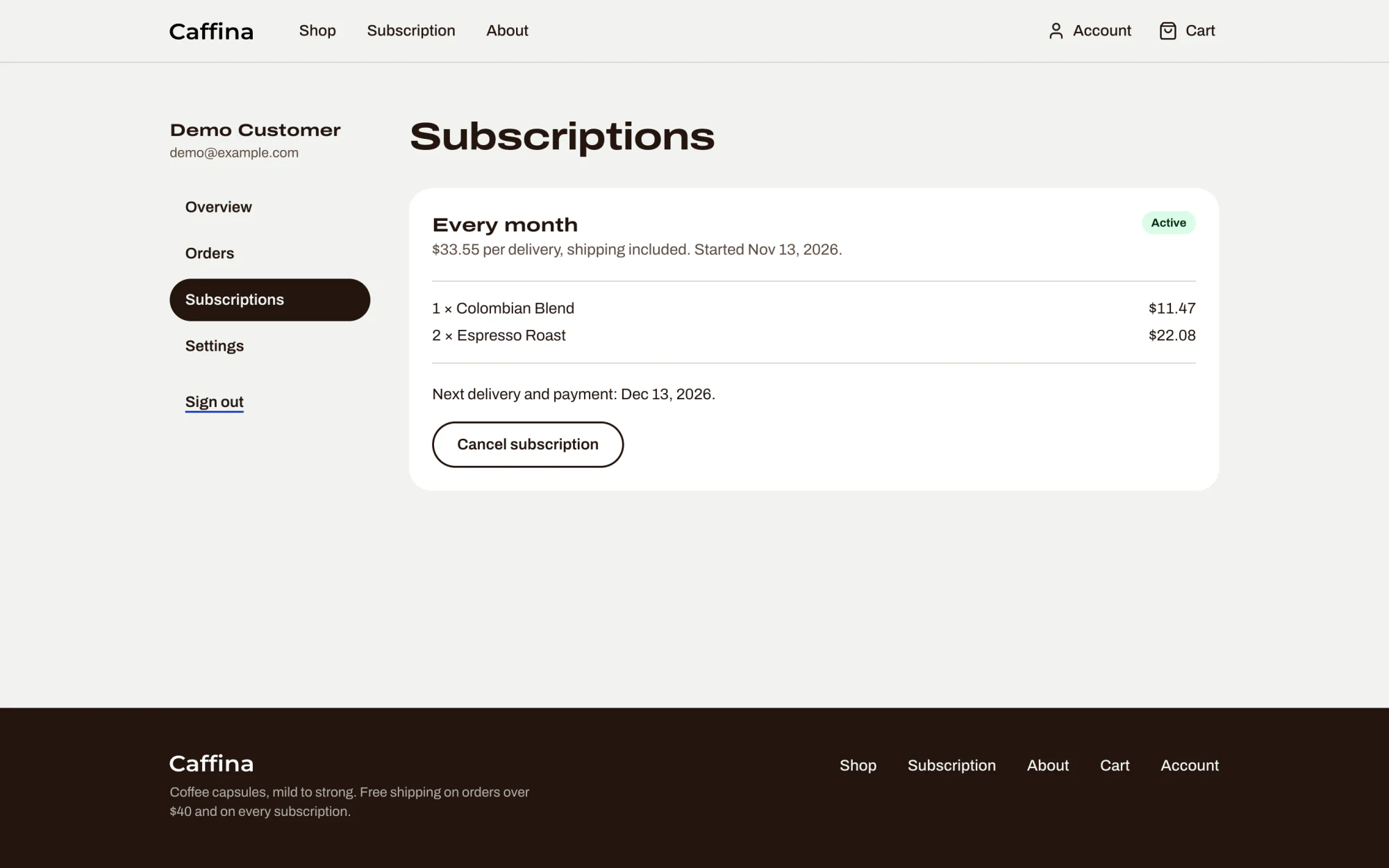
Change your mind
A subscription can be cancelled from the account, and resumed, without writing to anyone.
Try the sums
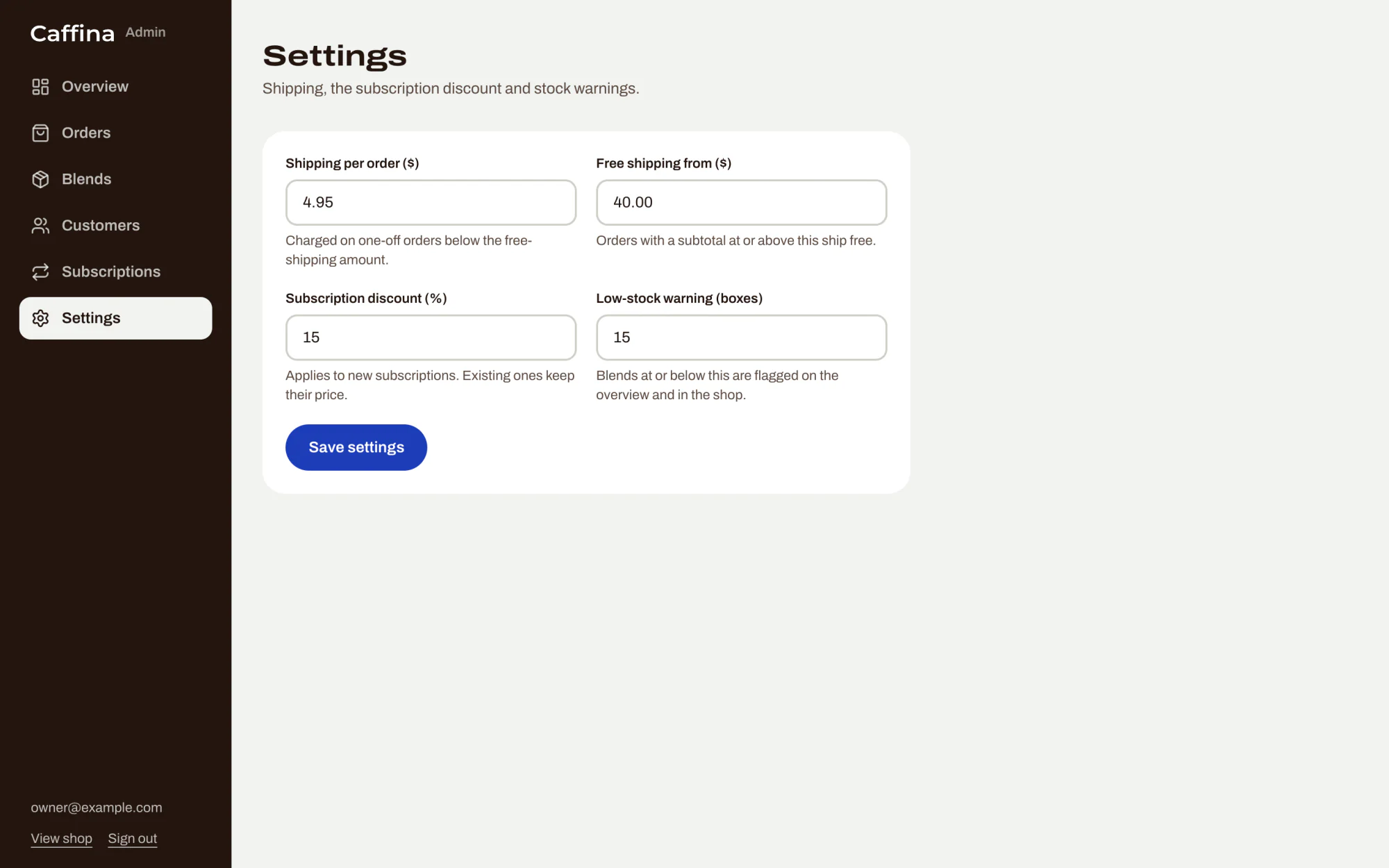
A box holds 10 capsules. Shipping is a flat $4.95, and free once an order reaches $40. A subscription takes 15% off every box and always ships free. The owner can change all three numbers in the admin.
The browser only says which blends and how many. The server works out the price itself from its own catalogue and checks the stock, so a price changed in the browser changes nothing.
How often
Your order
One payment, one order
After a payment, two things tell the shop about it: a message from Stripe, and the shopper coming back to the confirmation page. Either can arrive first, and either can be repeated. Whichever arrives first records the order, and the other finds it already there.
Stripe's messagesent after the payment
The shopper's returnto the confirmation page
One orderthe database refuses a second one for the same payment
Recording an order takes its boxes out of stock, and refunding it puts them back. Stripe's messages also cover what never passes through the confirmation page: subscription renewals, cancellations, and refunds made from Stripe's own dashboard.
Behind the counter
The admin panel, for the people who run the shop. The figures and customers are demo data.
-
Overview
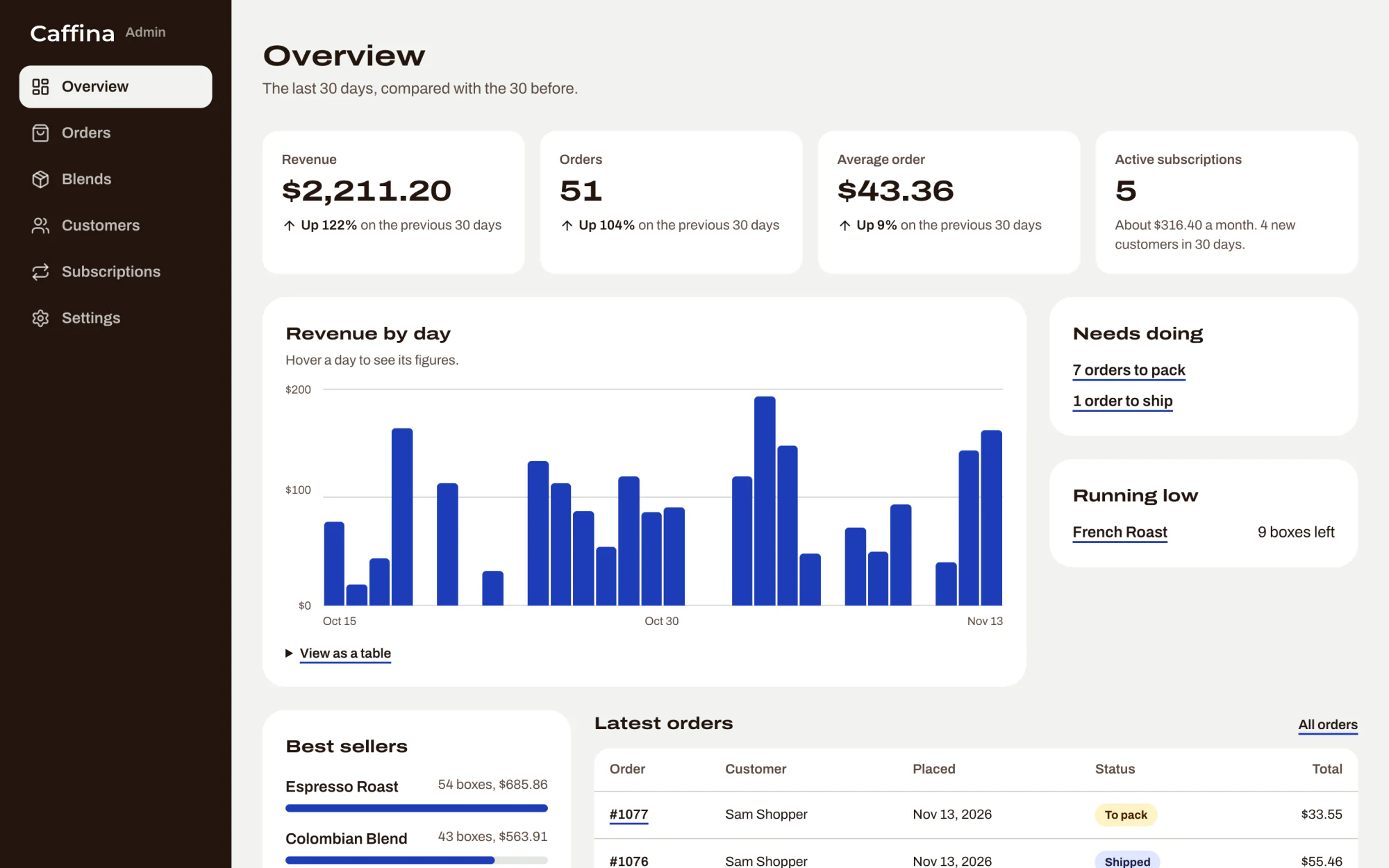
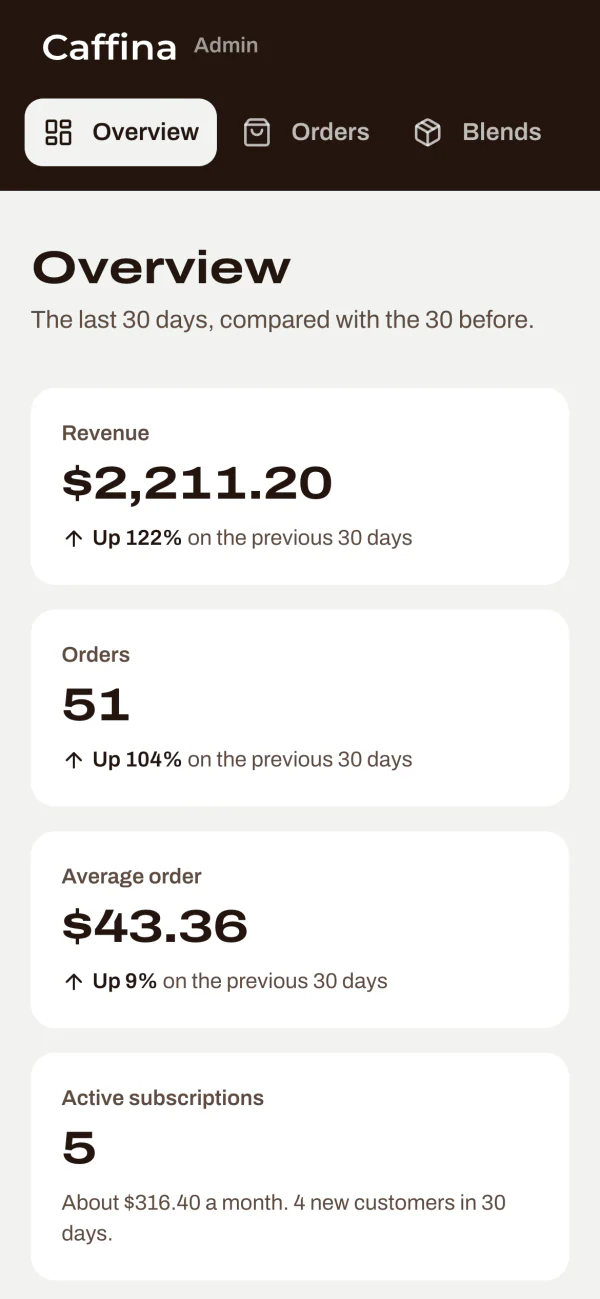
The last 30 days against the 30 before: revenue, orders, average order and active subscriptions, with the best sellers, the blends running low and the orders waiting to be packed.
-
Orders
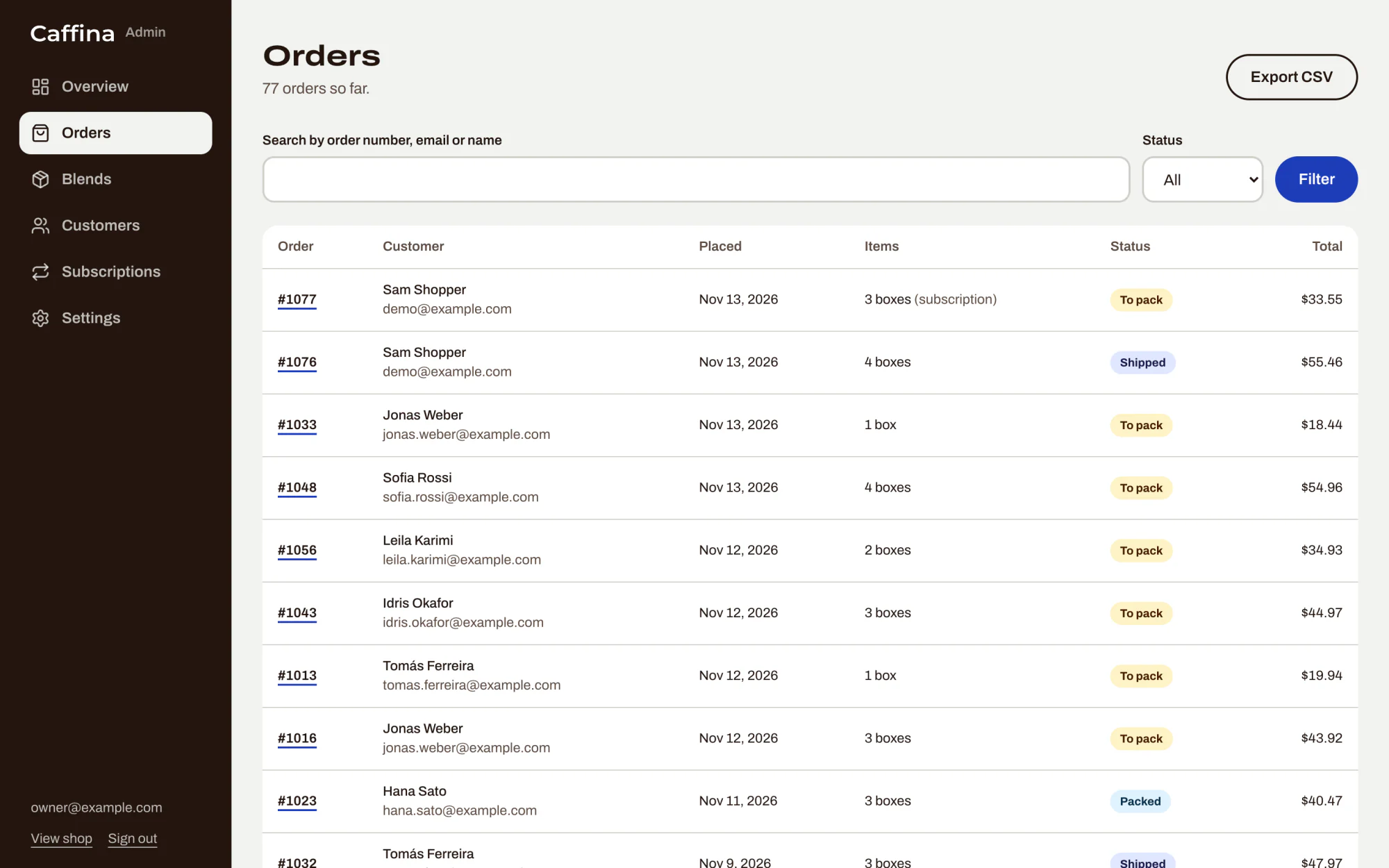
Every order, searchable by number, email or name and filtered by status. The list can be exported as a CSV file.
-
One order
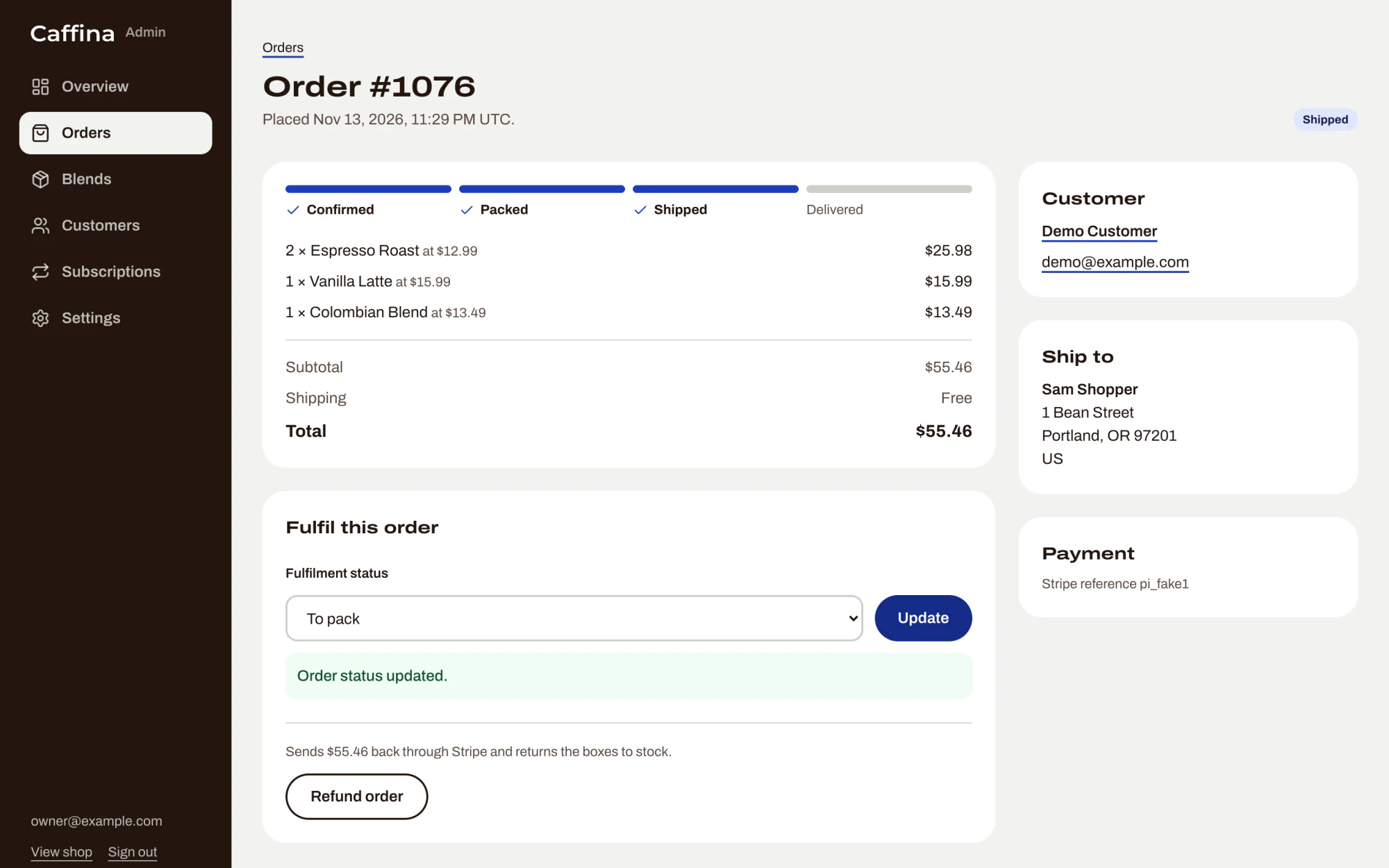
What was bought, where it is going and how far it has got. Changing the status moves the progress the customer sees. A refund goes back through Stripe and returns the boxes to stock.
-
Blends
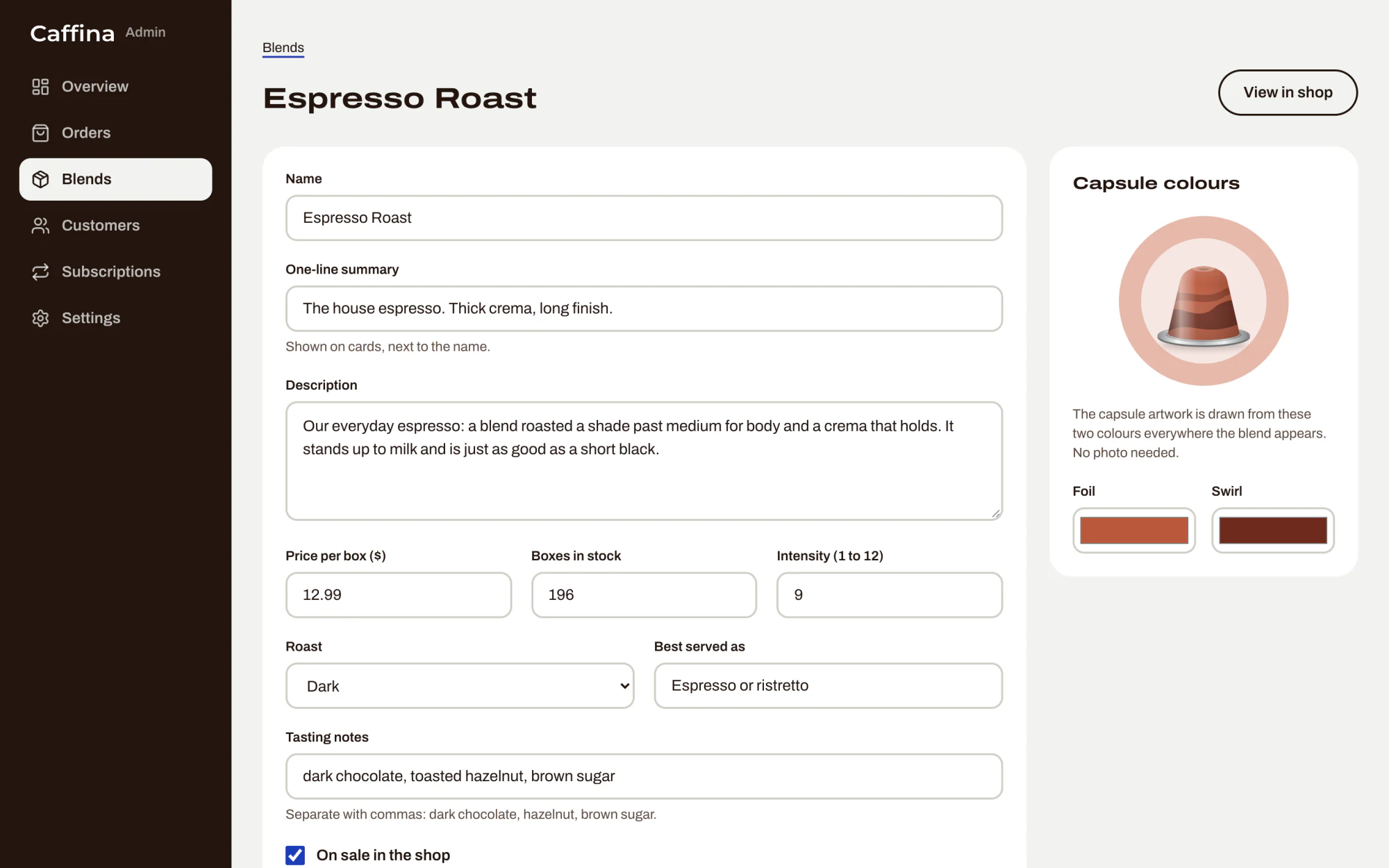
Create, edit and archive blends: the price, the boxes in stock, the intensity, the tasting notes, and the two capsule colours with a live preview.
-
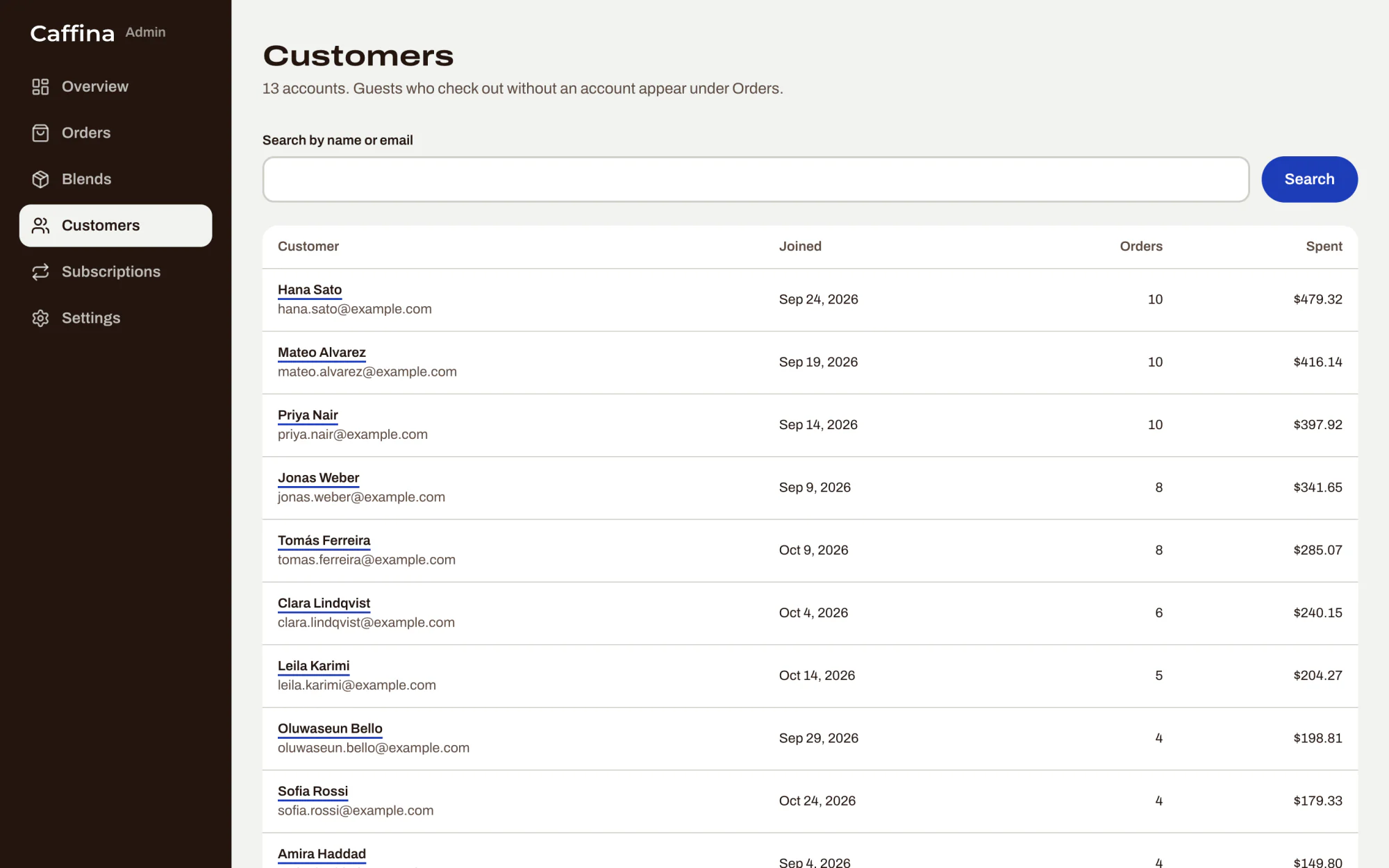
Customers
Every account, with how many orders it has placed and how much it has spent.
-
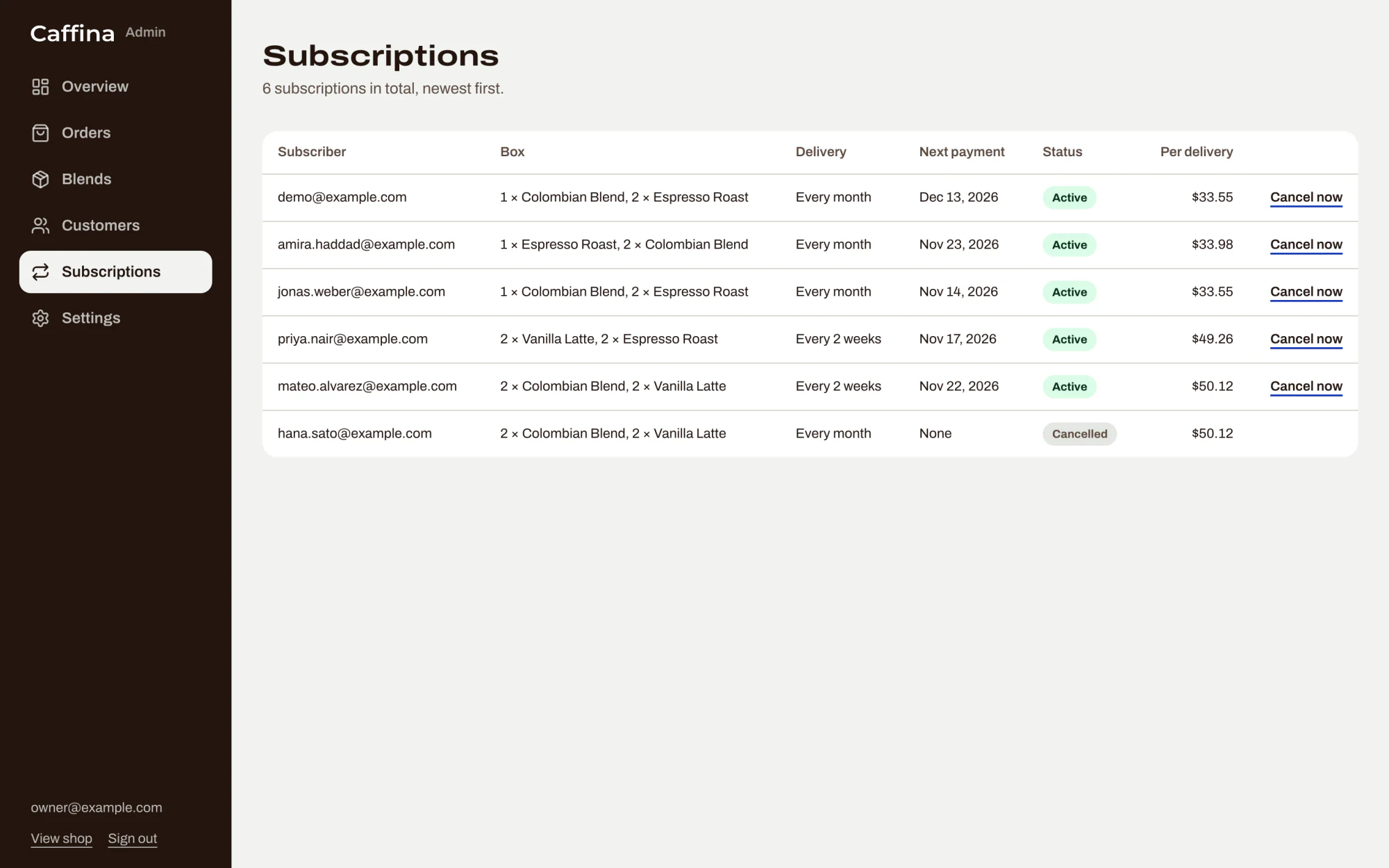
Subscriptions
Who subscribes to what, how often, and when the next payment is due. A subscription can be cancelled from here too.
-
Settings
The shipping price, the amount that makes shipping free, the subscription discount, and the stock level that counts as running low.
Locked where it counts
Access is checked at the point where data is read or changed, not only on the page that links to it. Every admin page and every admin action checks for an admin first, and answers “not found” to anyone else. Customers only ever see their own orders and subscriptions.
Passwords are stored hashed. A session is a random token in a cookie that scripts cannot read, and the shop keeps only a hash of it. Repeated failed sign-ins lock that email for 15 minutes.
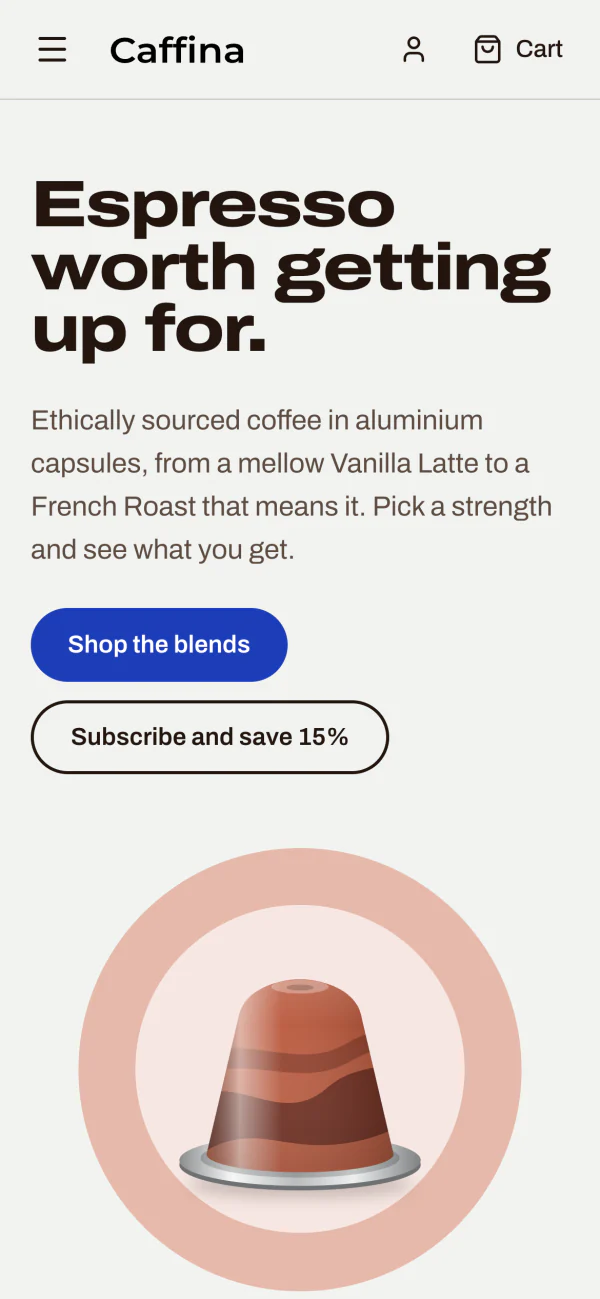
On a phone
The same shop and the same admin, at phone width.
Built with
- Shop
- Next.js 16 (App Router), React 19, TypeScript, Tailwind CSS 4
- Payments
- Stripe Checkout, for single orders and subscriptions
- Data
- SQLite through libSQL, with Drizzle ORM. Zod checks what the server accepts
- Tests
- 197 unit and integration tests (Vitest) and 41 end-to-end tests (Playwright), including accessibility checks
- Checks
- Formatting, linting, types and every test run on each pull request and each push to the main branch
The end-to-end tests pay through a stand-in for Stripe, so they need no account. The project's own notes say to try a real test payment, a refund and a message from Stripe before going live.